Buying a used smartphone in Thailand without getting burned
A used phone is one of the easiest secondhand items to misrepresent. The real risk usually isn't a broken screen — it's an account-locked device, a blacklisted IMEI, or a grey-market unit sold as a Thai-warranty phone. Here's what to check before you transfer money.
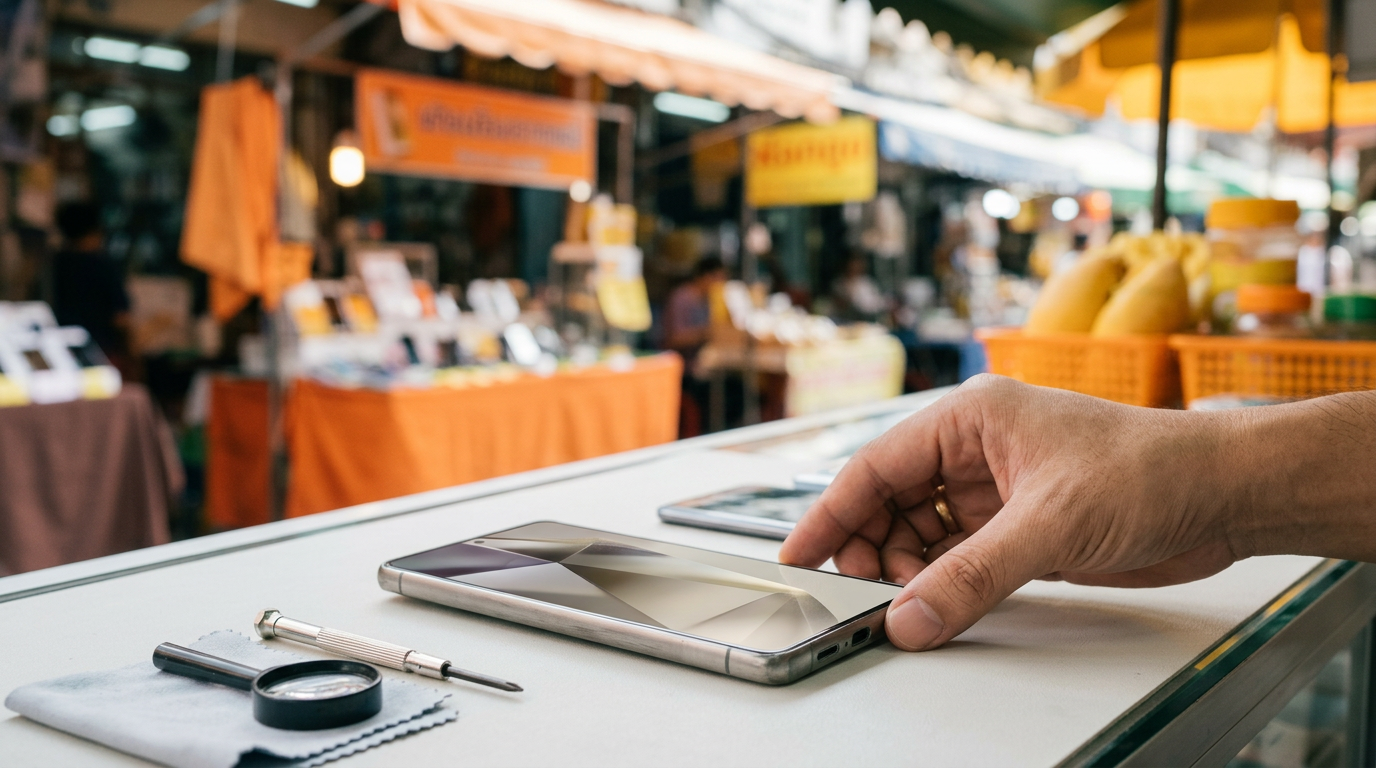
1. Check the IMEI and blacklist status before meeting
Ask the seller for the IMEI beforehand. Dial *#06# on the phone itself to confirm it matches the box or the number engraved on the tray, then check it against the manufacturer's site (Apple's checkcoverage.apple.com for iPhone, or a general IMEI checker for Android) to confirm the device isn't reported lost or blocked by a carrier.
A phone reported stolen or repossessed from an unpaid instalment plan often works fine on Wi-Fi during the test but loses mobile signal permanently later. Always insert a working SIM and make a real call before deciding.
2. Confirm iCloud and Google account locks are removed
On iPhone, Find My iPhone must be off and the seller's Apple ID fully signed out. Ask them to erase the device (Erase All Content and Settings) in front of you before you accept it — a phone still tied to someone else's Apple ID turns into a brick the moment it's reset or the SIM is swapped.
On Android, check Factory Reset Protection (FRP). Have the seller sign out of every Google account, then reset the phone in front of you to confirm it boots without demanding a password tied to an account you don't control.
3. Test battery health and charging
On iPhone, check Settings > Battery > Battery Health. A phone one to two years old should still read above 85%; below 80%, negotiate the price down or budget roughly ฿900-1,900 for a battery replacement depending on model. Many Android phones expose a similar figure in the battery menu.
Charge the phone for 10-15 minutes at the meeting point. Watch for unusual heat and for the percentage climbing smoothly rather than jumping erratically, both signs of a worn battery or a failing charging port.
4. Check the screen, cameras and buttons
- Display a full-screen grey or white image and view it at an angle to spot OLED burn-in or yellow tinting.
- Test the touchscreen with a drawing app, tracing lines across every corner to find dead spots.
- Take photos with every camera, checking focus and haze in the lens, especially the ultra-wide.
- Press the home button, power button, volume buttons, and test Face ID/Touch ID or the fingerprint sensor.
- Plug in headphones and test the speaker and microphone by recording and playing back audio.
5. Grey-market units versus Thai-warranty (TH) units
A Thai-warranty (TH) phone usually costs ฿1,000-3,000 more than a grey-market import but can be serviced directly at a Thai authorised centre. Imported units from the US, Japan or Hong Kong may be carrier-locked or lack support for some Thai 5G bands. Check the model number under Settings > General > About and compare it against the manufacturer's list of Thailand-market model codes.
If a seller claims a TH unit but has no receipt and no box carrying an AIS/dtac/True or TH sticker, treat it as grey-market and negotiate accordingly.
6. Realistic price bands in the Thai used market
A 2-3-year-old iPhone in good condition with battery health above 85% typically runs ฿8,000-18,000 depending on model and storage. A one-to-two-year-old flagship Android runs ฿7,000-16,000, and a one-to-two-year-old mid-range phone usually sells for ฿3,000-7,000. A price 30-40% below these ranges deserves extra scrutiny.
7. Meeting and paying safely
Meet at a mall, a condo lobby, or a BTS/MRT station with CCTV coverage. Run through the full checklist above before transferring via PromptPay, and confirm the incoming amount in your own banking app immediately. Never send a deposit to an account whose name doesn't match the seller in your chat.
Continue with related areas and categories
Read in another language
Related guides
- Safe secondhand trading in Thailand: scams, meeting places, checks, payment and what to do if it goes wrong
- How to sell secondhand items fast on Near Dee
- How to price secondhand items sensibly in Thailand
- How to photograph your listings with just a phone
- Chat and negotiation etiquette in Thai secondhand trading